Charging your electric vehicle

Simple, reliable charging at home and on the road

Whether you're charging at home or using public stations, we make it easy to keep your electric vehicle powered up. We support two key charging solutions: ChargeNet for public fast-charging and Chargefox for home charging via JET Charge units. Below, you'll find step-by-step guides on how to use each system, along with how payment and data capture work to ensure accurate reimbursement and seamless charging.
ChargeNet Public EV Charging in NZ
ChargeNet

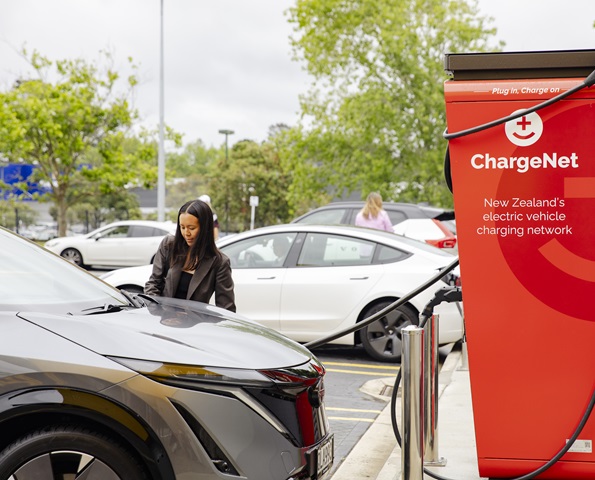
ChargeNet is a nationwide public network of rapid and hyper-rapid EV charging stations.


How do I charge?

  1. Find a charging station by searching on the ChargeNet app or by clicking here
  2. Plug in your EV
  3. Swipe your fob to start charging
  4. Monitor the progress of your charge via the ChargeNet app
  5. Unplug and drive on


How does payment work?

When you swipe your fob, we handle the payment automatically.

While you can use the app to locate chargers and monitor your session, it is important that you do not start the charge via the app, as this will charge any credit card linked to your account.   

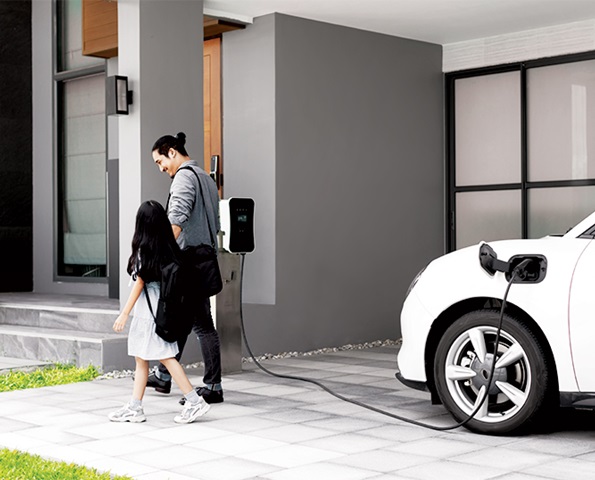
Man and girl walking into house with EV plugged into a home charger
Chargefox

Chargefox is the software used by your JET Charge home EV charger.


How do I charge?

  1. Wait for the “charger is ready” message
  2. Plug in your EV
  3. Swipe your Chargefox card to start charging
  4. Swipe again when finished, then unplug


How does payment work?

Your Chargefox card is linked to your vehicle. Swiping the card ensures your charging session is recorded, and electricity usage is captured. This data helps your employer reimburse you for electricity costs. 

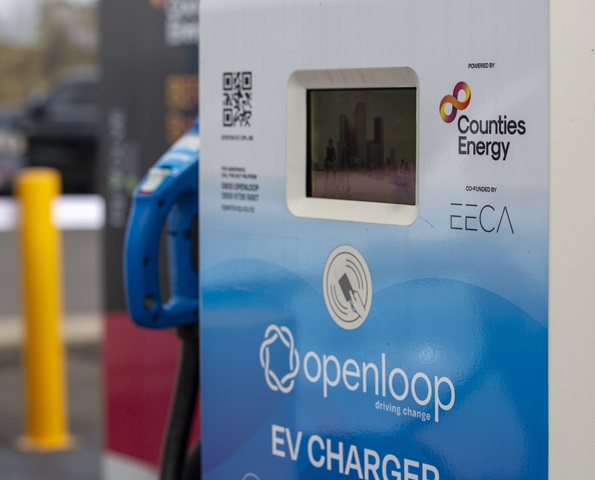
OpenLoop EV Charger in New Zealand
OpenLoop

OpenLoop provides access to a network of charging stations, predominantly in the Waikato region. 


How do I charge?

  1. Find a charging station by searching on the OpenLoop app
  2. Plug in your EV
  3. Swipe your RFID card to start the session, and again to stop the session when ready
  4. Unplug and drive on


How does payment work?

When you swipe your RFID card, we handle the payment automatically. It is important to only start and end your charge with the card, not via the app. Any charging session started with the app will charge the credit card linked to your account.